


2 Messages
•
82 Points
Primary Image for individual episodes
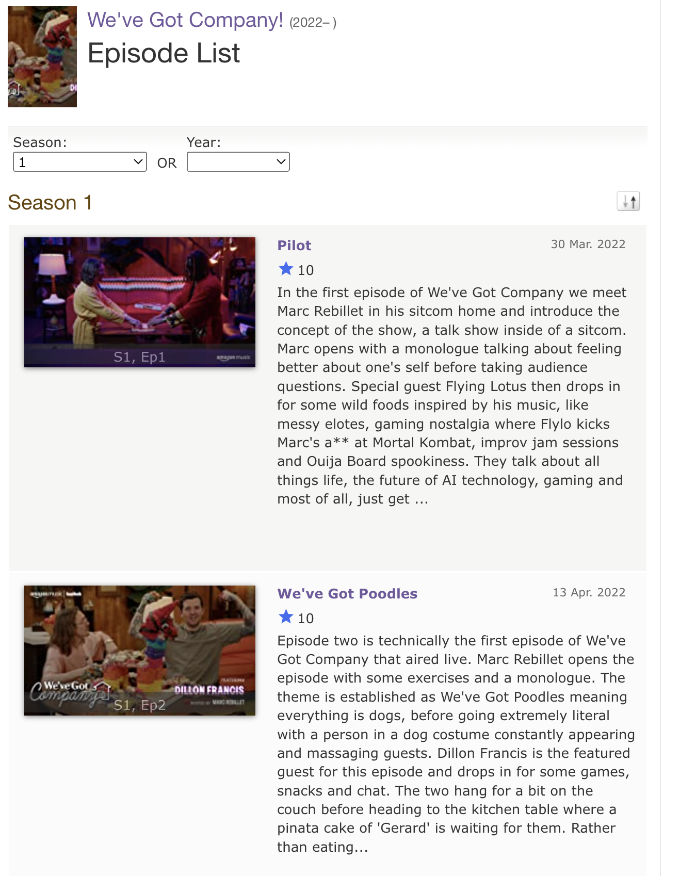
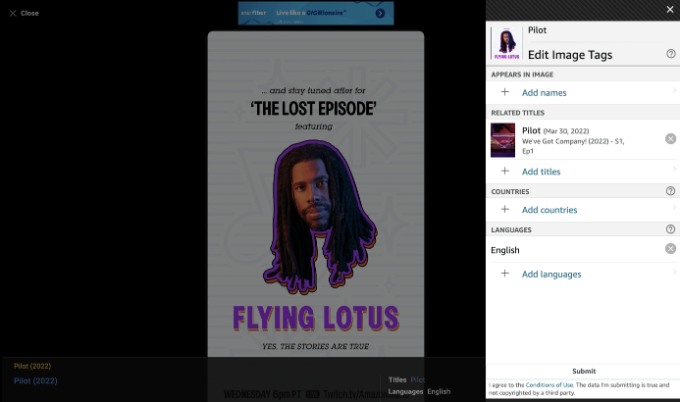
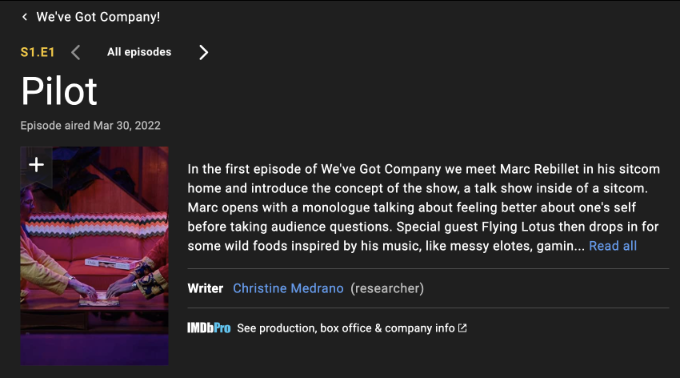
I'd like to keep the photos in the episode list attached the same so the photos fit the horizontal frame. However, I want to change the primary image in the main episode page to fit the vertical frame, but I don't get the image to change the primary image when I go to edit.
How can I fix this?
jeorj_euler
10.7K Messages
•
226.4K Points
3 years ago
Well, for the time being, it is up to us contributors to try to find screenshots or freeze frames of film/video that look good when cropped to the center of image to form a thumbnail that is two thirds wide as it is tall. Usually, this will mean that the important part of the image is mostly in the horizontal center.
0
Maya
Employee
•
7.9K Messages
•
82.6K Points
3 years ago
Hi IHC_JennyTan-
I was checking the main series title page that you wanted to submit a change for the primary image and I can see that a respective poster image has been added already: "We've Got Company!" (2022-).
Now, in order to modify an existing primary image, you are welcome to do it through the online Update form within the Gallery of the title. You can click on the icon of the "pencil" on the images that are within the "Poster" section. You can also add new images through this method as well, making sure to tag them as "poster" in order to make the changes.
For more detailed information on how to modify or add a primary image, I encourage you to review the following Help Guide.
Cheers!
2